CatalogStacksModulesSaaSMobileLabs → Become a partner
HomeCatalog📺 Media stackCalibre Web
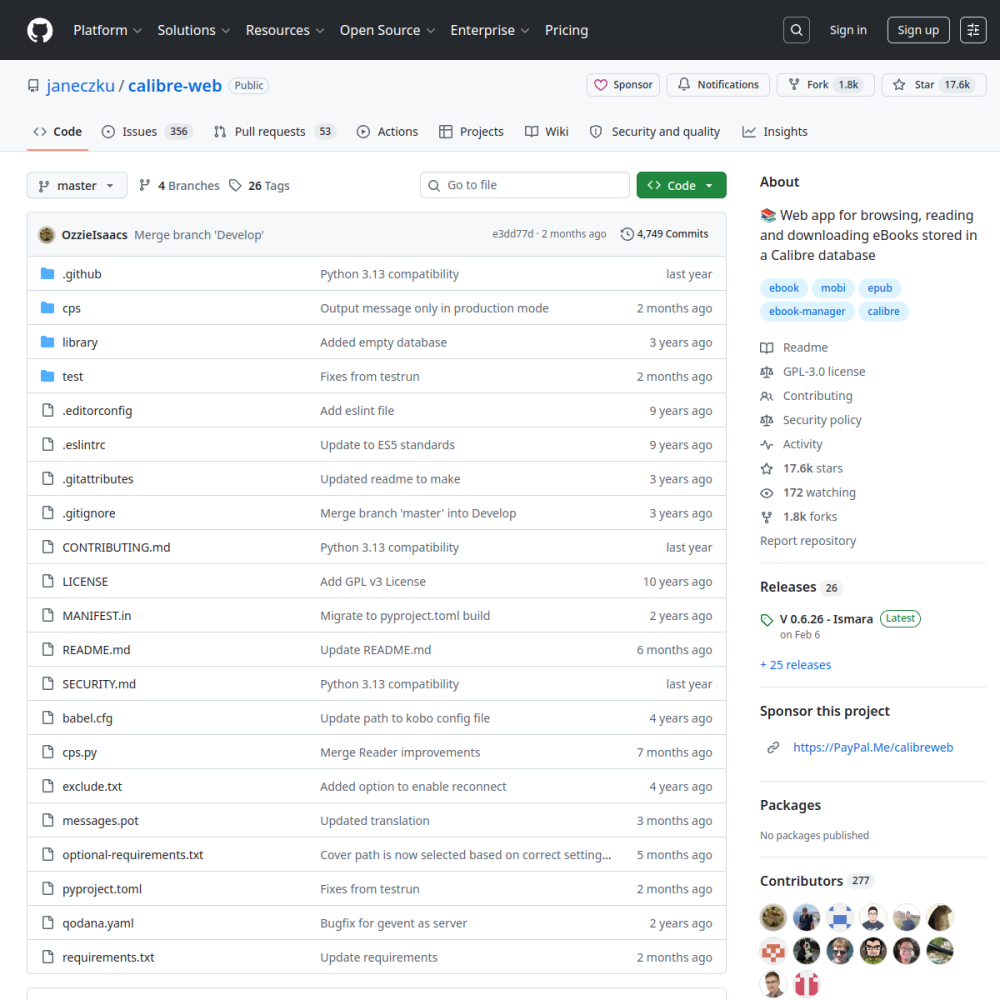
Screenshot of Calibre Web

// official site: github.com ↗

MEDIA STACK · PRO TIER

Calibre Webpro

Calibre Web is a modern web UI for Calibre ebook libraries — browse your collection, read EPUB/PDF in-browser, send to Kindle via email, expose an OPDS feed for mobile apps. The lightweight replacement for Calibre's built-in content server.

📺 Media stack Min 512 MB RAM Port 8083 (http) Tier pro
// What it is

A closer look.

Calibre Web is a modern web UI for Calibre ebook libraries — browse your collection, read EPUB/PDF in-browser, send to Kindle via email, expose an OPDS feed for mobile apps. The lightweight replacement for Calibre's built-in content server.

If you have a Calibre library, this gives it a beautiful web face for personal or family use.

// Use cases

What it's for.

Concrete scenarios where teams pick Calibre Web over the SaaS alternative.

Ebook library hosting

personal Calibre library on the web
In-browser reading

EPUB/PDF/CBZ rendered without downloading

Send-to-Kindle

email-based push to Amazon devices

OPDS feed

mobile reader apps (Marvin, Aldiko, KOReader) auto-sync

Family sharing

per-user accounts and reading progress

// Who it's for

Built for these teams.

If your team profile matches one of these, Calibre Web is a strong fit out of the box.

Profile A

Ebook collectors

with substantial Calibre libraries

Profile B

Families

sharing reading material across members

Profile C

Self-hosted enthusiasts

rejecting Amazon/Kobo platforms

Profile D

Academic users

archiving PDF papers + books

Profile E

Library curators

running niche / private collections

// Differentiators

Why teams pick Calibre Web.

When evaluating self-hosted options for this category, here are the dimensions on which Calibre Web consistently lands above the alternatives.

  • GPL-3.0 — fully open
  • Calibre-compatible — uses metadata.db directly; no migration needed
  • Light footprint — Python + SQLite; runs on Raspberry Pi
  • OPDS standard — works with most mobile ebook clients
  • Multi-user — accounts + per-user reading progress
  • Search + tags — fast browse over large libraries
// Integrations

Connects to.

The stack you'll plug Calibre Web into — services, protocols, and adjacent apps in the BluixApps catalog.

Calibre desktop
metadata.db sync (read + write)
OPDS
mobile reader apps consume the feed
Kindle email
Amazon Send-to-Kindle integration
Email (SMTP)
for Send-to-Kindle + invitations
LDAP
optional auth backend
Reverse proxy
runs cleanly behind nginx/traefik with TLS
// Adoption & deployment

Notable users & community

  • 13k+ GitHub stars
  • Standard in self-hosted media stacks (alongside Audiobookshelf, Komga)
  • Featured in r/selfhosted ebook server roundups
  • Multiple translation contributors (40+ languages)
  • Steady release cadence

What we ship

  • Docker (LinuxServer.io): calibre-web latest
  • Pinned lscr.io/linuxserver/calibre-web:latest
  • Port 8083 (HTTP), reverse-proxy ready
  • Persistent volumes for config + books library
  • PUID/PGID 1000 default (override in env if needed)
  • Install report with first-login + library setup
  • Backup hook covers config + Calibre metadata
// Tips & operations

Run it properly.

Operational guidance from running this in production — what to lock down, what surprises people.

// PERFORMANCE
Use Calibre desktop for ingestion
add books with Calibre, then Calibre Web reads metadata.db
// SECURITY
Backup metadata.db + books folder
rebuild from these two paths
// OPERATIONS
Send-to-Kindle email needs SMTP
Gmail/Mailgun/SES; configure in admin
// RELIABILITY
OPDS auth
keep separate from web auth for mobile reader pairing
// DEPLOYMENT
Plugins
limited; most extensions via env config
// SCALING
Permissions
bind-mount with UID:GID matching host user
512
// min ram (MB)
10
// min disk (GB)
8083
// access port
http
// protocol
pro
// bluixapps tier

Project resources

Official sitegithub.com ↗