HomeCatalog⚙️ DevOps & InfrastructureCoolify
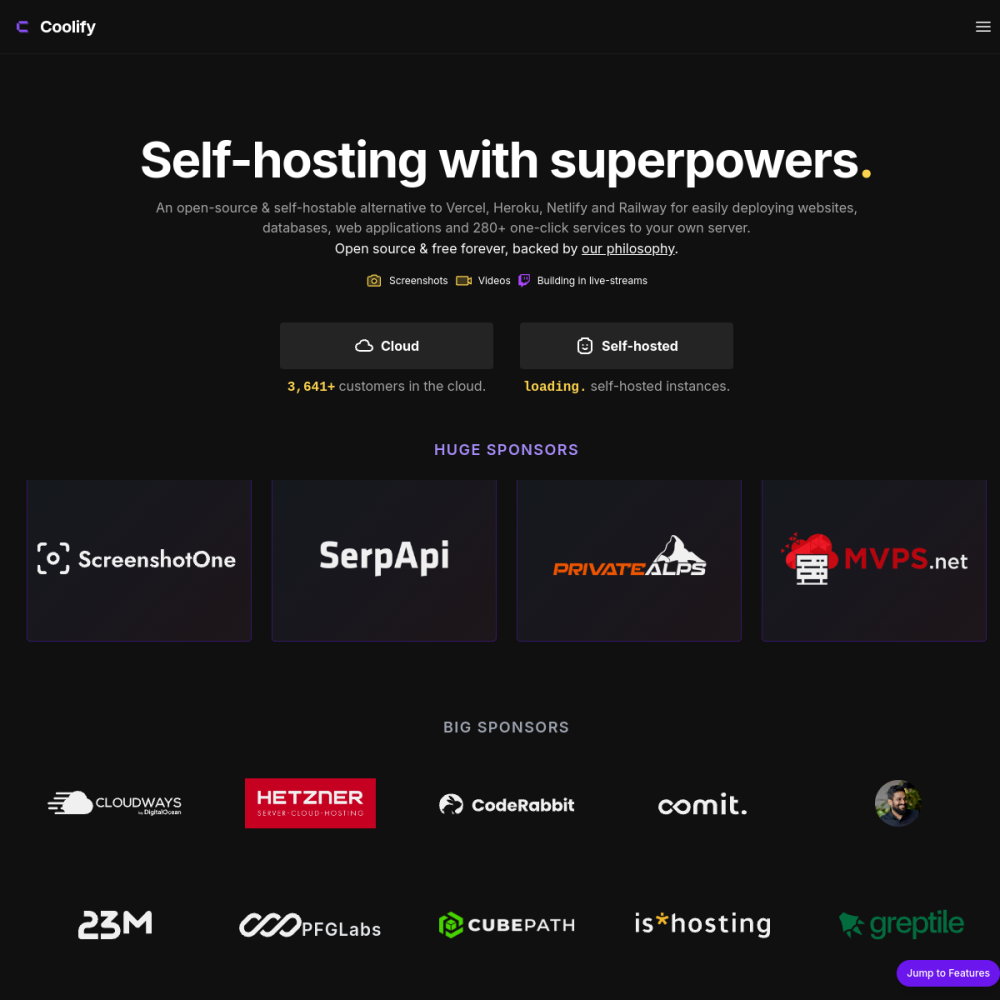
Screenshot of Coolify website

// screenshot of coolify.io ↗

DEVOPS & INFRASTRUCTURE · PRO TIER

Coolifypro

Coolify is a self-hosted alternative to Heroku, Netlify, and Vercel — push code, get a deployed app with auto-HTTPS, auto-build, Git-based deploys. Strong Docker integration, GitHub/GitLab webhooks, multi-environment, database provisioning.

⚙️ DevOps & Infrastructure Min 2048 MB RAM Port 8000 (http) Tier pro
// What it is

A closer look.

Coolify is a self-hosted alternative to Heroku, Netlify, and Vercel — push code, get a deployed app with auto-HTTPS, auto-build, Git-based deploys. Strong Docker integration, GitHub/GitLab webhooks, multi-environment, database provisioning.

For developers who want PaaS experience without the per-app SaaS bill, Coolify is the leading OSS choice.

// Use cases

What it's for.

Concrete scenarios where teams pick Coolify over the SaaS alternative.

Git-push deploys

every commit triggers automatic build + deploy
Multi-app hosting

host dozens of apps on one VPS

Database provisioning

Postgres / MySQL / MongoDB / Redis with one click

Preview environments

every PR gets a deployed preview

Indie hosting platform

your own Heroku without paying Heroku

// Who it's for

Built for these teams.

If your team profile matches one of these, Coolify is a strong fit out of the box.

Profile A

Solo developers

running multiple side projects on one VPS

Profile B

Indie teams

replacing Heroku / Netlify / Vercel costs with self-host

Profile C

Agency dev teams

managing client deployments cheaply

Profile D

Startup CTOs

controlling infrastructure without paying PaaS markup

Profile E

DevOps learners

understanding container deploys without K8s complexity

// Differentiators

Why teams pick Coolify.

When evaluating self-hosted options for this category, here are the dimensions on which Coolify consistently lands above the alternatives.

  • Apache 2.0 — fully open, commercial use unrestricted
  • Active development — frequent releases, strong community
  • One-click databases — provision DBs without separate setup
  • Git integration native — GitHub / GitLab / Gitea webhooks built-in
  • Multi-server support — manage multiple VPS from one Coolify instance
  • Beautiful UI — modern, polished, non-developer accessible
// Integrations

Connects to.

The stack you'll plug Coolify into — services, protocols, and adjacent apps in the BluixApps catalog.

Git providers
GitHub, GitLab, Gitea, Bitbucket, custom Git URLs
Container registries
Docker Hub, GitHub Container Registry, custom
Languages
Node, Python, Ruby, Go, Rust, PHP, Java via buildpacks
Frameworks
Next.js, Nuxt, Rails, Django, Laravel, Express
Databases
Postgres, MySQL, MongoDB, Redis, KeyDB, MinIO
Notification
Slack, Discord, Telegram, email on deploy events
DNS
Cloudflare / Hetzner / DigitalOcean DNS for auto-domain setup
// Adoption & deployment

Notable users & community

  • 27k+ GitHub stars
  • Used by indie devs and small agencies worldwide
  • Active Discord with thousands of members
  • Backed by Andras Bacsai (single maintainer with sustainable model)
  • Featured in PaaS-alternative roundups

What we ship

  • Docker compose: Coolify + Postgres + Redis
  • Pinned ghcr.io/coollabsio/coolify:latest (release-tagged)
  • HTTPS via Let's Encrypt
  • Admin user via first-run wizard
  • Docker socket mounted for app management
  • Persistent volumes for Coolify config + app data
  • Backup hook covers Postgres + Coolify config
// Tips & operations

Run it properly.

Operational guidance from running this in production — what to do before you scale, what to lock down, what surprises people.

// PERFORMANCE
Persistent volume for app data
each app has its own volume; backup strategy per app
// SECURITY
Resource limits
set per-container CPU/RAM limits to prevent one app eating the VPS
// OPERATIONS
Multi-server early
easier to start with multi-server than to migrate later
// RELIABILITY
Backup /data/coolify
Coolify's own config + DB lives here
// DEPLOYMENT
Mind Docker socket
Coolify needs Docker socket access; security consideration
// SCALING
Watch disk usage
Docker images + build cache accumulate; periodic cleanup needed
2048
// min ram (MB)
20
// min disk (GB)
8000
// access port
http
// protocol
pro
// bluixapps tier
see install script
// docker image

Project resources

Official sitecoolify.io ↗
// Alternatives in DevOps & Infrastructure

Compare with