HomeCatalog⚙️ DevOps & InfrastructureGitLab CE
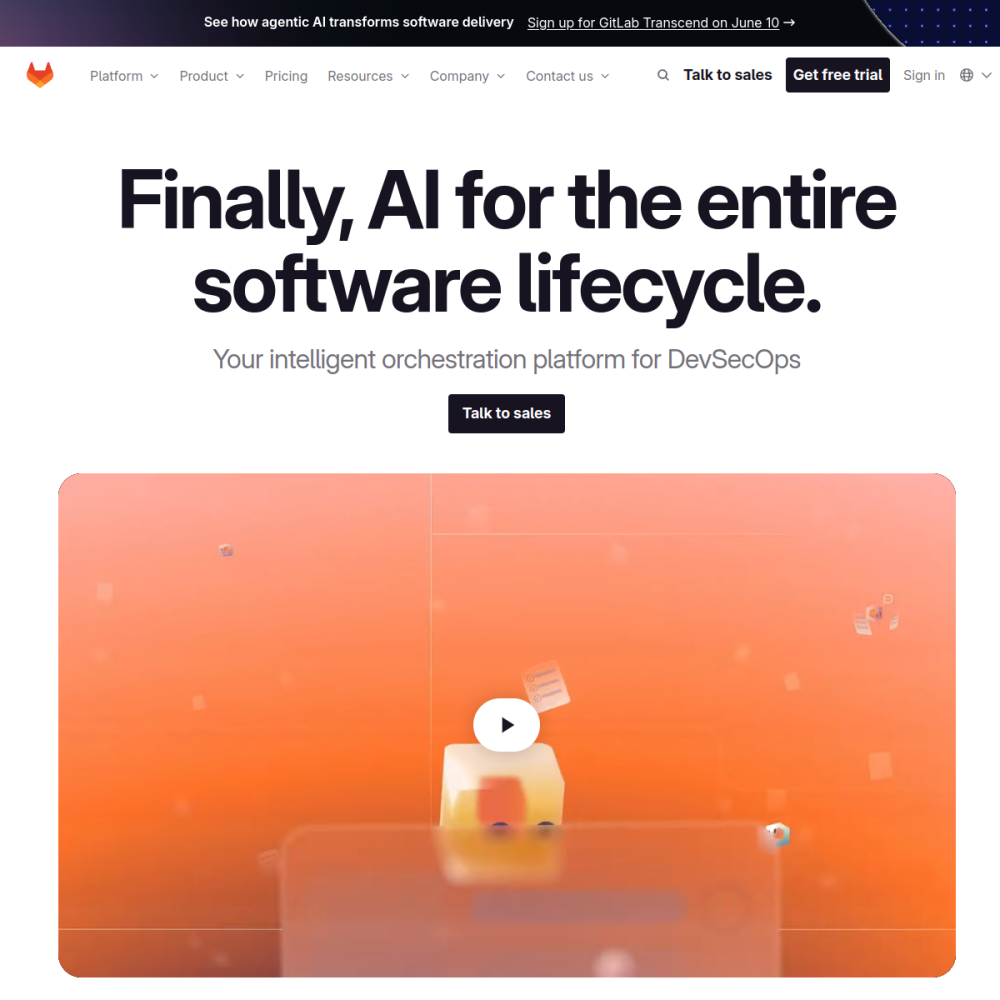
Screenshot of GitLab CE website

// screenshot of gitlab.com ↗

DEVOPS & INFRASTRUCTURE · PRO TIER

GitLab CEpro

GitLab is the complete DevOps platform — Git hosting, CI/CD, container registry, package registry, security scanning, agile boards, wiki — all in one self-hosted stack. The Community Edition (MIT) is the same engine that powers GitLab.com for the parts that ship in OSS.

⚙️ DevOps & Infrastructure Min 4096 MB RAM Port 80 (http) Tier pro
// What it is

A closer look.

GitLab is the complete DevOps platform — Git hosting, CI/CD, container registry, package registry, security scanning, agile boards, wiki — all in one self-hosted stack. The Community Edition (MIT) is the same engine that powers GitLab.com for the parts that ship in OSS.

For teams who want one tool covering the entire dev lifecycle, GitLab is the all-in-one answer. The trade-off: substantial resource requirements vs lightweight Gitea/Forgejo.

// Use cases

What it's for.

Concrete scenarios where teams pick GitLab CE over the SaaS alternative.

Complete DevOps platform

code + CI + registry + scanning + boards
Enterprise Git hosting

RBAC, audit trails, compliance features

CI/CD at scale

runners across multiple machines, parallel pipelines

Container + package registries

Docker, Helm, npm, PyPI, Maven

Security scanning

SAST, DAST, dependency scanning in pipelines

// Who it's for

Built for these teams.

If your team profile matches one of these, GitLab CE is a strong fit out of the box.

Profile A

Mid-size to enterprise dev orgs

needing full DevOps stack in one tool

Profile B

Compliance-bound teams

requiring audit trails, RBAC, security scanning

Profile C

Multi-project orgs

with 50-500 repos and active CI pipelines

Profile D

Privacy-bound orgs

rejecting cloud DevOps platforms for sovereignty

Profile E

DevSecOps teams

integrating security scanning into pipelines

// Differentiators

Why teams pick GitLab CE.

When evaluating self-hosted options for this category, here are the dimensions on which GitLab CE consistently lands above the alternatives.

  • All-in-one — no integration glue between Git + CI + registry + scanning
  • MIT (Community Edition) — true open source for self-hosters
  • GitLab CI — battle-tested, used by countless production pipelines
  • Multi-project hierarchies — groups → subgroups → projects matches enterprise org structure
  • Compliance features — audit log, RBAC, IP restrictions
  • Active development — major release every month
// Integrations

Connects to.

The stack you'll plug GitLab CE into — services, protocols, and adjacent apps in the BluixApps catalog.

Git protocols
SSH, HTTPS, git daemon
Identity
local + LDAP + SAML + OAuth (Google, GitHub, Microsoft, custom OIDC)
CI runners
Docker, shell, Kubernetes, VirtualBox executors
Registries
Container, npm, PyPI, Maven, Composer, Conan, NuGet, Helm
Webhooks
granular event triggering
Issue trackers
sync with Jira, ServiceNow
Compliance integrations
Vault for secrets, AppCheck for security scans
// Adoption & deployment

Notable users & community

  • 23k+ GitHub stars (gitlab-foss; gitlab-org mirror is larger)
  • Used by NASA, CERN, Goldman Sachs, Sony for production DevOps
  • Backed by GitLab Inc. with sustainable commercial Enterprise Edition
  • Annual GitLab Commit conference + monthly community calls
  • One of the largest open-source codebases in existence

What we ship

  • Docker compose: GitLab CE + Postgres + Redis
  • Pinned gitlab/gitlab-ce:17.8.0-ce.0 (release-tagged)
  • HTTPS via Let's Encrypt
  • Admin user via root password env var on first run
  • Persistent volumes for repos + DB + uploads + CI artifacts
  • Container registry enabled
  • Backup hook covers GitLab's native backup + config
// Tips & operations

Run it properly.

Operational guidance from running this in production — what to do before you scale, what to lock down, what surprises people.

// PERFORMANCE
Resource sizing
GitLab is heavy; min 8 GB RAM + 4 CPU for small team; size up for active CI
// SECURITY
External Postgres + Redis
recommended over bundled for production scale
// OPERATIONS
Runner separation
never run runners on the same VPS as GitLab server (security + load)
// RELIABILITY
Backup is complex
use gitlab-backup create; separate config backup needed too
// DEPLOYMENT
Mind disk usage
repos + CI artifacts + container registry accumulates fast
// SCALING
Upgrade path requires planning
major versions sometimes need step-wise upgrades
4096
// min ram (MB)
20
// min disk (GB)
80
// access port
http
// protocol
pro
// bluixapps tier
see install script
// docker image

Project resources

Official sitegitlab.com ↗
// Alternatives in DevOps & Infrastructure

Compare with