Enterprise CI/CD
build, test, deploy at any scale
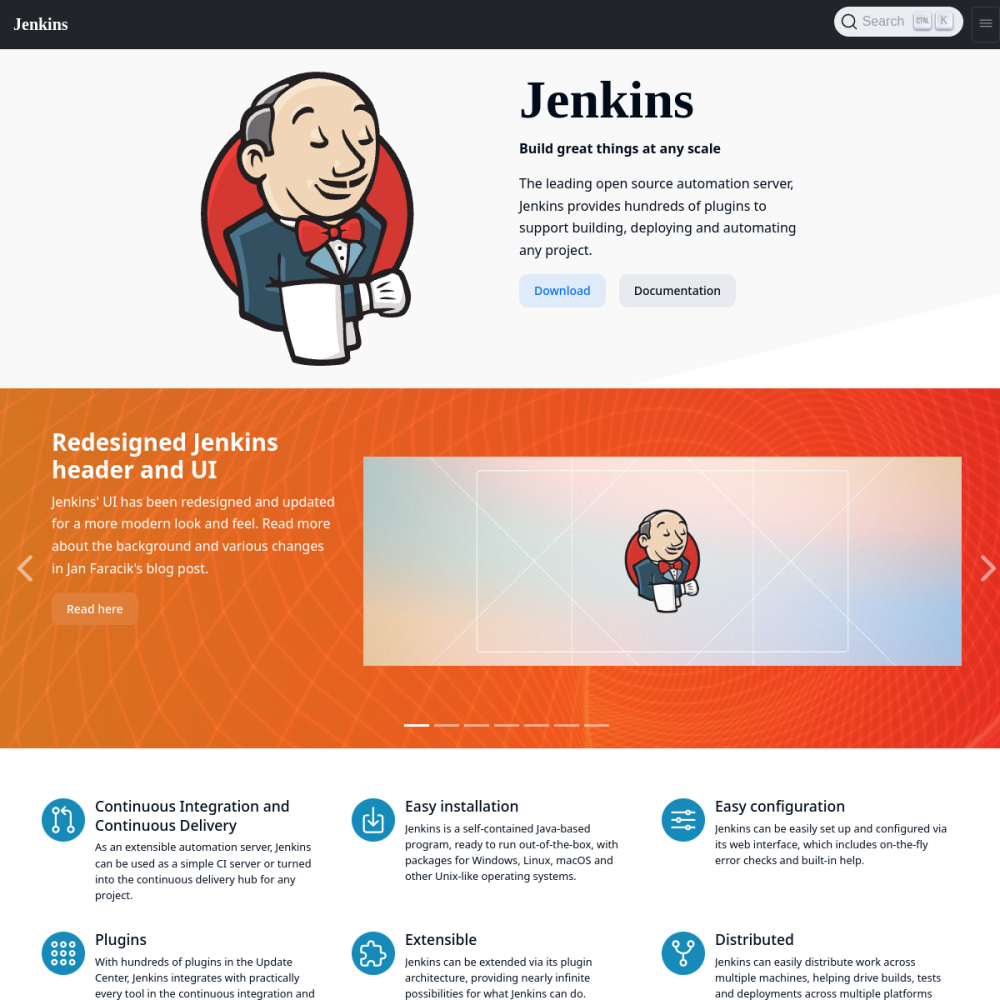
// official site: jenkins.io ↗
Jenkins is the incumbent self-hosted CI/CD server — pipelines defined in Groovy DSL or Jenkinsfile, executed across distributed agents, with a plugin ecosystem of 1800+ extensions. Despite the rise of GitHub Actions and GitLab CI, Jenkins remains the standard for enterprise self-hosted CI/CD due to its flexibility and battle-tested reliability.
Jenkins is the incumbent self-hosted CI/CD server — pipelines defined in Groovy DSL or Jenkinsfile, executed across distributed agents, with a plugin ecosystem of 1800+ extensions. Despite the rise of GitHub Actions and GitLab CI, Jenkins remains the standard for enterprise self-hosted CI/CD due to its flexibility and battle-tested reliability.
For teams who need to control every aspect of their CI pipeline and have invested in Jenkins skills, the incumbent reigns.
Concrete scenarios where teams pick Jenkins over the SaaS alternative.
build, test, deploy at any scale
Maven, Gradle, npm, Python, anything
multi-step builds with conditional logic
Linux + Windows + macOS agents
Jenkins handles legacy build systems other tools can't
If your team profile matches one of these, Jenkins is a strong fit out of the box.
with established Jenkins investment
managing CI/CD for multiple teams
orchestrating complex multi-stage releases
building on top of existing Jenkins
needing Windows + macOS + Linux build agents
When evaluating self-hosted options for this category, here are the dimensions on which Jenkins consistently lands above the alternatives.
The stack you'll plug Jenkins into — services, protocols, and adjacent apps in the BluixApps catalog.
jenkins/jenkins:2.555.2-lts-jdk21 (LTS branch)$JENKINS_HOME (config + plugins + jobs)$JENKINS_HOMEOperational guidance from running this in production — what to lock down, what surprises people.