CatalogStacksModulesSaaSMobileLabs → Become a partner
Home›Catalog›⚙️ DevOps›Nginx Proxy Manager
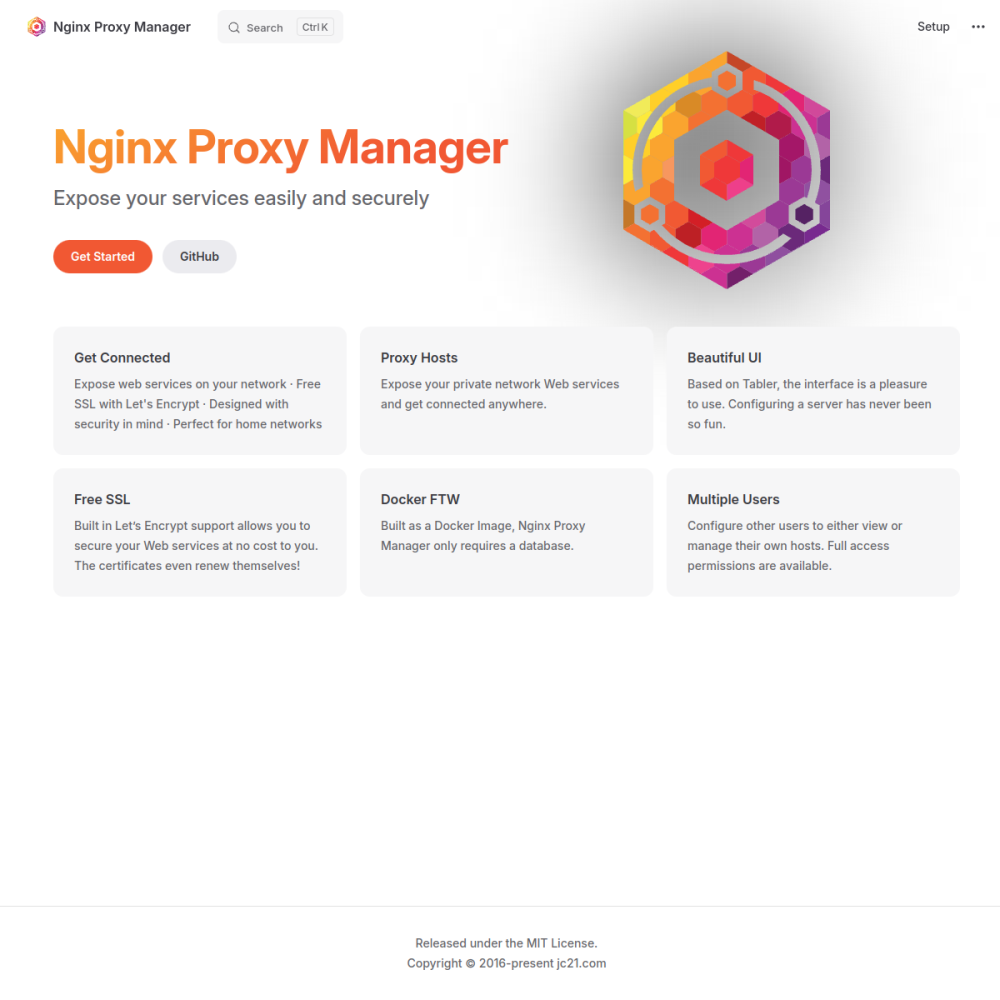
Screenshot of Nginx Proxy Manager

// official site: nginxproxymanager.com ↗

DEVOPS · FREE TIER

Nginx Proxy Managerfree

Nginx Proxy Manager (NPM) is a web UI for managing nginx reverse proxies with Let's Encrypt SSL automation. Add a domain, point at a backend, click "Let's Encrypt" — done. Manages access lists, custom certs, redirection, streams. Built for self-hosters who want nginx power without nginx config files.

⚙️ DevOps Min 256 MB RAM Port 81 (http) Tier free
// What it is

A closer look.

Nginx Proxy Manager (NPM) is a web UI for managing nginx reverse proxies with Let's Encrypt SSL automation. Add a domain, point at a backend, click "Let's Encrypt" — done. Manages access lists, custom certs, redirection, streams. Built for self-hosters who want nginx power without nginx config files.

For homelab and small-business operators wrangling 10-50 reverse-proxied apps, NPM is the dramatically simpler choice vs raw nginx.

// Use cases

What it's for.

Concrete scenarios where teams pick Nginx Proxy Manager over the SaaS alternative.

◆

Reverse proxy management

point domains at internal services
◈

Automated SSL

Let's Encrypt cert provisioning + renewal

◇

Multi-app hosting

manage dozens of vhost configs visually

▣

Access control

basic auth, IP allow lists, OAuth via Authelia

▦

Stream / WebSocket proxying

non-HTTP protocols supported

// Who it's for

Built for these teams.

If your team profile matches one of these, Nginx Proxy Manager is a strong fit out of the box.

Profile A

Self-hosters

managing 10+ reverse-proxied apps

Profile B

Homelab operators

running services behind nginx

Profile C

Small business IT

providing internal app access via subdomains

Profile D

Hosting providers

running customer subdomains

Profile E

Non-experts

wanting nginx without learning nginx config

// Differentiators

Why teams pick Nginx Proxy Manager.

When evaluating self-hosted options for this category, here are the dimensions on which Nginx Proxy Manager consistently lands above the alternatives.

  • ✓MIT license — fully open
  • ✓Visual management — Caddy is simpler config, NPM is simpler UI
  • ✓Mature — long-running project with strong community
  • ✓Stream support — TCP / UDP forwarding, not just HTTP
  • ✓Access lists — IP + basic auth + custom rules
  • ✓Custom certs — bring-your-own-cert alongside Let's Encrypt
// Integrations

Connects to.

The stack you'll plug Nginx Proxy Manager into — services, protocols, and adjacent apps in the BluixApps catalog.

◇
SSL
Let's Encrypt automatic, ZeroSSL, custom upload
◈
DNS-01
wildcard certs via DNS provider plugins (Cloudflare, Hetzner, others)
◆
Auth
basic auth, Authelia / Authentik via custom config
▣
Logging
JSON-structured logs for analytics
▦
Backup
config + cert export
▩
Custom nginx config
advanced users can inject raw nginx directives
▼
Stream
TCP / UDP forwarding
// Adoption & deployment

Notable users & community

  • 24k+ GitHub stars
  • Active Reddit + Discord communities
  • Featured in homelab guides worldwide
  • Strong adoption among self-hosters
  • Long-running OSS project

What we ship

  • Docker compose: Nginx Proxy Manager + MariaDB
  • Pinned jc21/nginx-proxy-manager:2.12.0 (release-tagged)
  • HTTPS via Let's Encrypt
  • Admin user with default creds documented for first-login change
  • Persistent volumes for certs + config + database
  • Stream forwarding enabled
  • Backup hook covers config + cert + database
// Tips & operations

Run it properly.

Operational guidance from running this in production — what to lock down, what surprises people.

// PERFORMANCE
Persist data volume
certs + config live here; mount from day one
// SECURITY
Wildcard certs via DNS-01
for *.yourdomain.com setups
// OPERATIONS
Custom nginx config
for advanced rules (rate limiting, custom headers)
// RELIABILITY
Stream proxy for non-HTTP
TCP forwarding for SSH, databases
// DEPLOYMENT
Backup before upgrades
export config + certs before NPM major version changes
// SCALING
Don't expose NPM admin externally
VPN / IP-restricted access only
256
// min ram (MB)
2
// min disk (GB)
81
// access port
http
// protocol
free
// bluixapps tier

Project resources

↑