HomeCatalog🔒 Security & PrivacyPi-hole
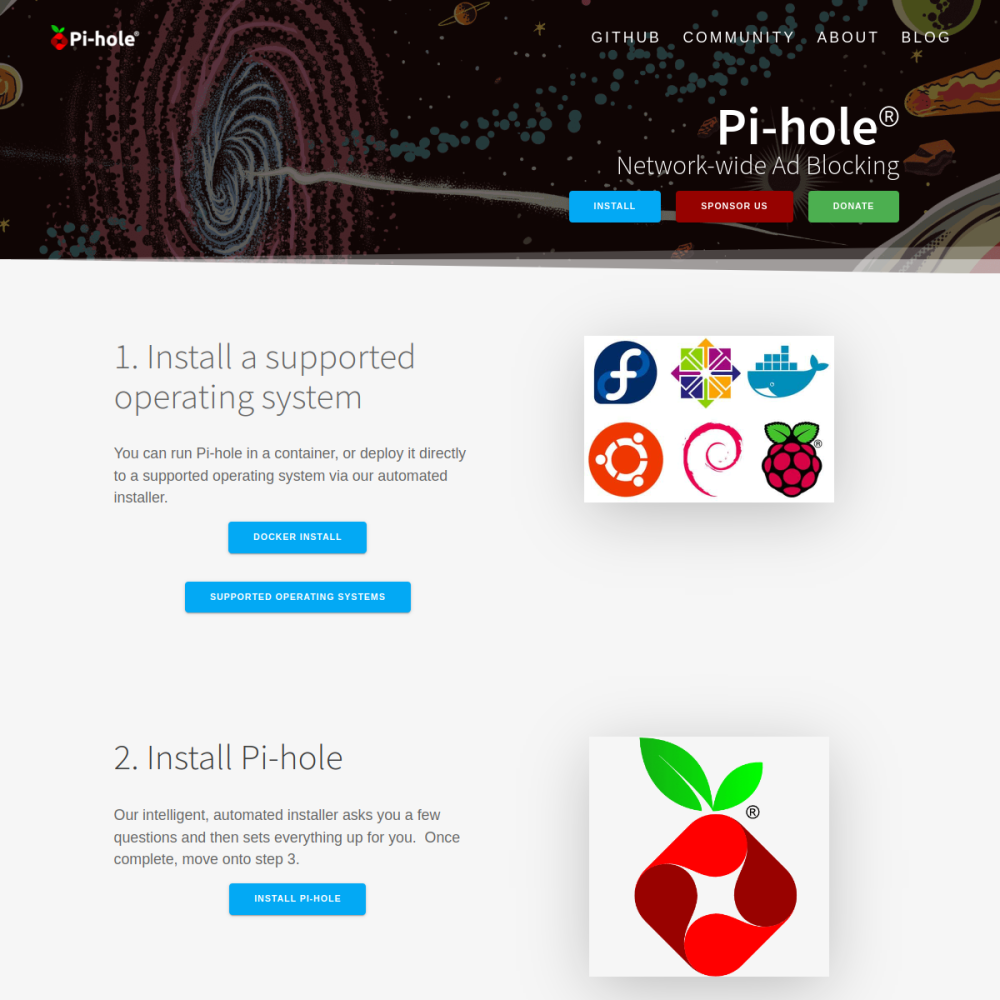
Screenshot of Pi-hole website

// screenshot of pi-hole.net ↗

SECURITY & PRIVACY · FREE TIER

Pi-holefree

Pi-hole is the legendary network-wide ad blocker — DNS sinkhole for ads, trackers, malware. Originally designed for Raspberry Pi (hence the name), now standard self-hosted infrastructure. Web admin UI, query logs, statistics, custom blocklists.

🔒 Security & Privacy Min 512 MB RAM Port 8081 (http) Tier free
// What it is

A closer look.

Pi-hole is the legendary network-wide ad blocker — DNS sinkhole for ads, trackers, malware. Originally designed for Raspberry Pi (hence the name), now standard self-hosted infrastructure. Web admin UI, query logs, statistics, custom blocklists.

For network-wide ad blocking, Pi-hole is the OG choice with decade-long community.

// Use cases

What it's for.

Concrete scenarios where teams pick Pi-hole over the SaaS alternative.

Network-wide ad blocking

block ads at DNS level for all devices
Tracker blocking

prevent device-level tracking

Malware protection

block malicious domains

Privacy enhancement

reduce data collection across network

DNS resolver

local DNS with caching

// Who it's for

Built for these teams.

If your team profile matches one of these, Pi-hole is a strong fit out of the box.

Profile A

Privacy-conscious households

wanting network-wide blocking

Profile B

Small businesses

protecting employee browsing

Profile C

Schools

filtering at-network level

Profile D

Privacy researchers

monitoring tracker behavior

Profile E

Tech enthusiasts

running home network infrastructure

// Differentiators

Why teams pick Pi-hole.

When evaluating self-hosted options for this category, here are the dimensions on which Pi-hole consistently lands above the alternatives.

  • EUPL-1.2 — fully open
  • Mature — decade-long development
  • Light — runs on Raspberry Pi
  • Web UI — admin via browser
  • Community blocklists — thousands of community-maintained lists
  • Strong reputation — most popular self-hosted privacy tool
// Integrations

Connects to.

The stack you'll plug Pi-hole into — services, protocols, and adjacent apps in the BluixApps catalog.

Blocklists
Steven Black, OISD, OISD bigger, hundreds of community lists
DHCP support
built-in DHCP server (optional)
Client identification
track per-device blocking
DNS upstream
Cloudflare, Quad9, custom DNS
API
REST API for programmatic access
Mobile apps
Pi-hole Remote, Pi-hole Status
Bookkeeping
query log + statistics
// Adoption & deployment

Notable users & community

  • 50k+ GitHub stars
  • Most popular self-hosted privacy tool
  • Active forum + Discord + Reddit
  • Long-running OSS project
  • Backed by donations + Pi-hole LLC

What we ship

  • Docker compose: Pi-hole + persistent config
  • Pinned pihole/pihole:2024.07 (release-tagged)
  • HTTPS via Let's Encrypt for admin UI
  • DNS on port 53; admin on alternate port
  • Default community blocklists pre-loaded
  • Persistent volume for config + DB
  • Backup hook covers config
// Tips & operations

Run it properly.

Operational guidance from running this in production — what to do before you scale, what to lock down, what surprises people.

// PERFORMANCE
Set as DHCP DNS
router DHCP gives Pi-hole DNS to clients
// SECURITY
Update blocklists daily
community lists evolve
// OPERATIONS
Whitelist common false positives
some legit sites use ad CDNs
// RELIABILITY
Per-client groups
different rules for kids vs adults
// DEPLOYMENT
Persistent volume
config + DB
// SCALING
Mind DNS leakage
clients can bypass via DoH
512
// min ram (MB)
2
// min disk (GB)
8081
// access port
http
// protocol
free
// bluixapps tier
53:53 · 8081:80 · pihole/pihole:latest
// docker image

Project resources

Official sitepi-hole.net ↗
// Alternatives in Security & Privacy

Compare with