HomeCatalog⚙️ DevOps & InfrastructurePortainer CE
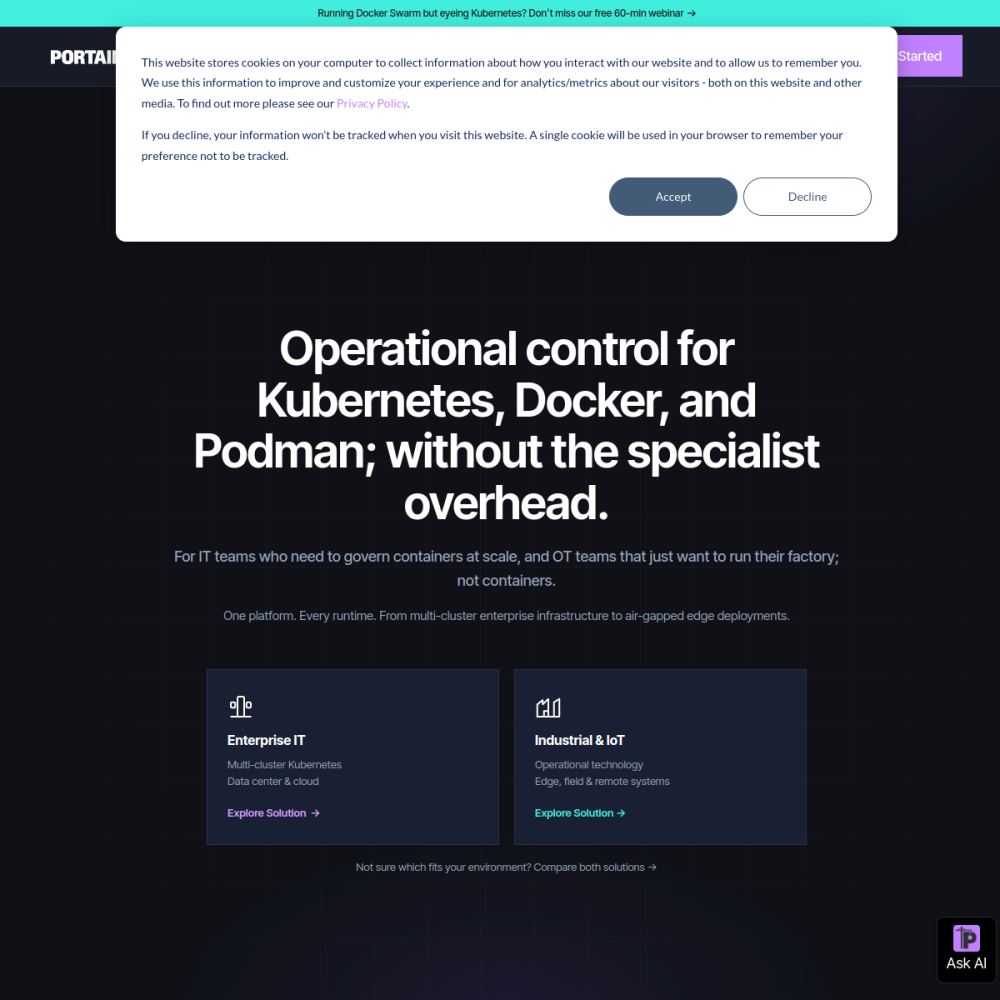
Screenshot of Portainer CE website

// screenshot of portainer.io ↗

DEVOPS & INFRASTRUCTURE · PRO TIER

Portainer CEpro

Portainer is a web UI for managing Docker, Docker Swarm, Kubernetes, and Nomad — visual container management without typing docker ps. Browse running containers, view logs, exec into shells, deploy new stacks from compose files, manage volumes / networks / images.

⚙️ DevOps & Infrastructure Min 256 MB RAM Port 9443 (https) Tier pro
// What it is

A closer look.

Portainer is a web UI for managing Docker, Docker Swarm, Kubernetes, and Nomad — visual container management without typing docker ps. Browse running containers, view logs, exec into shells, deploy new stacks from compose files, manage volumes / networks / images.

For Docker users who don't want to live in the terminal, Portainer is the leading visual management tool.

// Use cases

What it's for.

Concrete scenarios where teams pick Portainer CE over the SaaS alternative.

Container management

visual replacement for docker CLI
Multi-environment

manage multiple Docker hosts from one UI

Stack deployment

deploy compose files via web upload

Log viewing

tail container logs without SSH

Team access

RBAC for sharing Docker access with teammates

// Who it's for

Built for these teams.

If your team profile matches one of these, Portainer CE is a strong fit out of the box.

Profile A

Docker users

preferring visual to CLI

Profile B

Small teams

sharing Docker hosts with role-based access

Profile C

Hosting providers

giving customers managed Docker access

Profile D

Operations teams

managing fleet of Docker hosts

Profile E

Self-hosters

simplifying multi-app management

// Differentiators

Why teams pick Portainer CE.

When evaluating self-hosted options for this category, here are the dimensions on which Portainer CE consistently lands above the alternatives.

  • Free CE — (commercial use clear with paid Business Edition for enterprise features)
  • Multi-runtime — Docker, Swarm, Kubernetes, Nomad in one UI
  • Mature — long-running project, battle-tested
  • RBAC — team access control
  • Webhooks — automation triggers
  • Templates — pre-built app templates for one-click deploy
// Integrations

Connects to.

The stack you'll plug Portainer CE into — services, protocols, and adjacent apps in the BluixApps catalog.

Container runtimes
Docker, Docker Swarm, Kubernetes, Nomad
Registries
Docker Hub, Harbor, ECR, GCR, GitLab Registry, custom
Authentication
local + LDAP + OAuth + SAML (Business Edition)
Git
deploy stacks from Git repos with auto-update
Webhooks
trigger redeploys from CI/CD
OpenID Connect
SSO integration
Custom templates
share team-specific deploy templates
// Adoption & deployment

Notable users & community

  • 32k+ GitHub stars
  • Used by self-hosters and enterprises worldwide
  • Active Slack community
  • Backed by Portainer.io with sustainable freemium model
  • Featured in container management tool roundups

What we ship

  • Docker compose: Portainer CE + persistent data volume
  • Pinned portainer/portainer-ce:2.21.5 (release-tagged)
  • HTTPS via Let's Encrypt
  • Admin password via env (5-minute window if not set)
  • Persistent volume at /data for config
  • Docker socket mounted for container management
  • Backup hook covers /data (config + endpoints)
// Tips & operations

Run it properly.

Operational guidance from running this in production — what to do before you scale, what to lock down, what surprises people.

// PERFORMANCE
Always set admin password on first run
initial setup has a 5-minute window to claim admin
// SECURITY
Use HTTPS
Docker socket exposure is dangerous; always TLS
// OPERATIONS
RBAC from day one
team access control beats local user proliferation
// RELIABILITY
Persist /data
Portainer's config + endpoints + stacks live here
// DEPLOYMENT
Mind Docker socket access
Portainer = root-equivalent on host; security-critical
// SCALING
Backup Portainer DB
your config + stack definitions; export regularly
256
// min ram (MB)
2
// min disk (GB)
9443
// access port
https
// protocol
pro
// bluixapps tier
portainer/portainer-ce:latest
// docker image

Project resources

Official siteportainer.io ↗
// Alternatives in DevOps & Infrastructure

Compare with